VerixaContact sales
Menu

VERIXA · PRIVATE AI

From desktop AI to GPU servers, size the hardware for the work.

Run equipment in your own server room, have us arrange hosting, or rent dedicated compute. We help you choose a desktop workstation powered by NVIDIA GB10 or a GPU server based on the model, volume and number of users, with deployment and ongoing support.

Rental & compute services

AI servers and workstations

Match the workload to the compute. Compare GPU VRAM, system resources and configurations.

4 models · 3 in stock
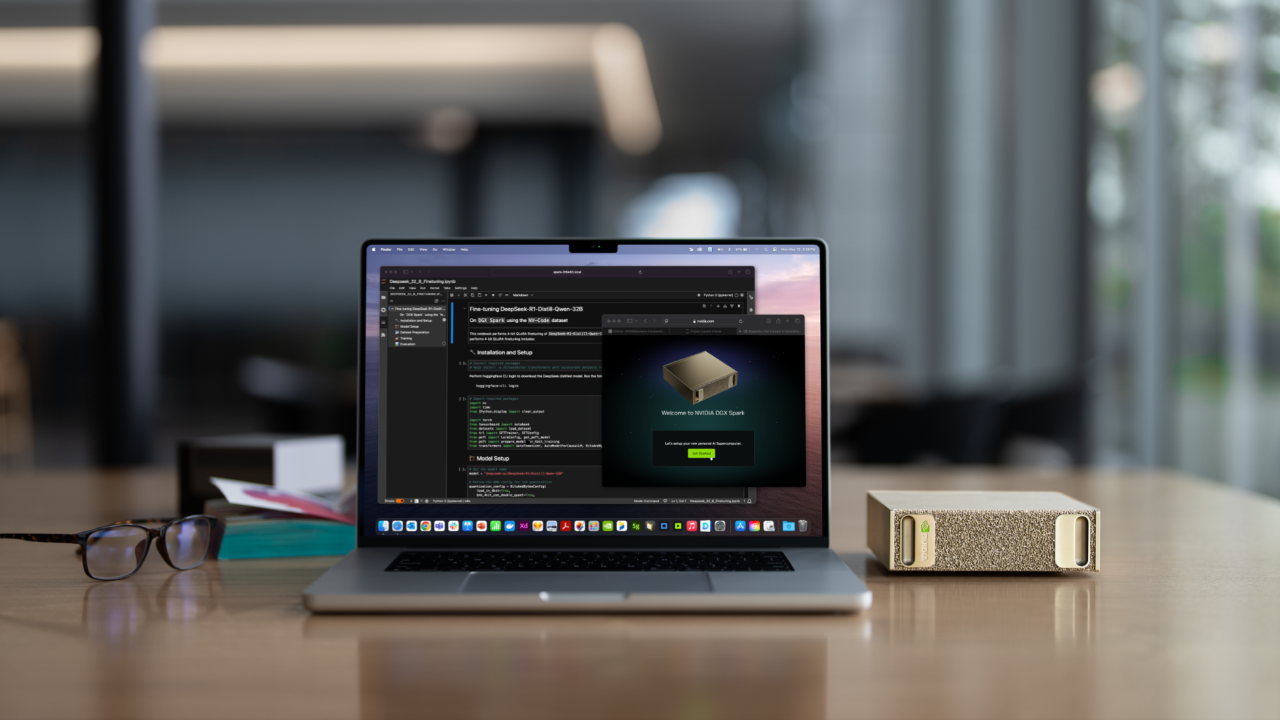
NVIDIA DGX Spark beside a laptop
NVIDIA DGX Spark reference photo

Verixa Desktop AI for Document Automation

The GB10 desktop workstation can be supplied with IDP preinstalled. The annual software and service package covers one year of core IDP, one year of technical support and a three-month Foxit Web PDF Editor trial. Hardware is quoted separately.

Software and servicesAnnual IDP licenseIncludes technical support. Workstation hardware is quoted separately.

Ask about availability and lead time
View the desktop AI solution ↗
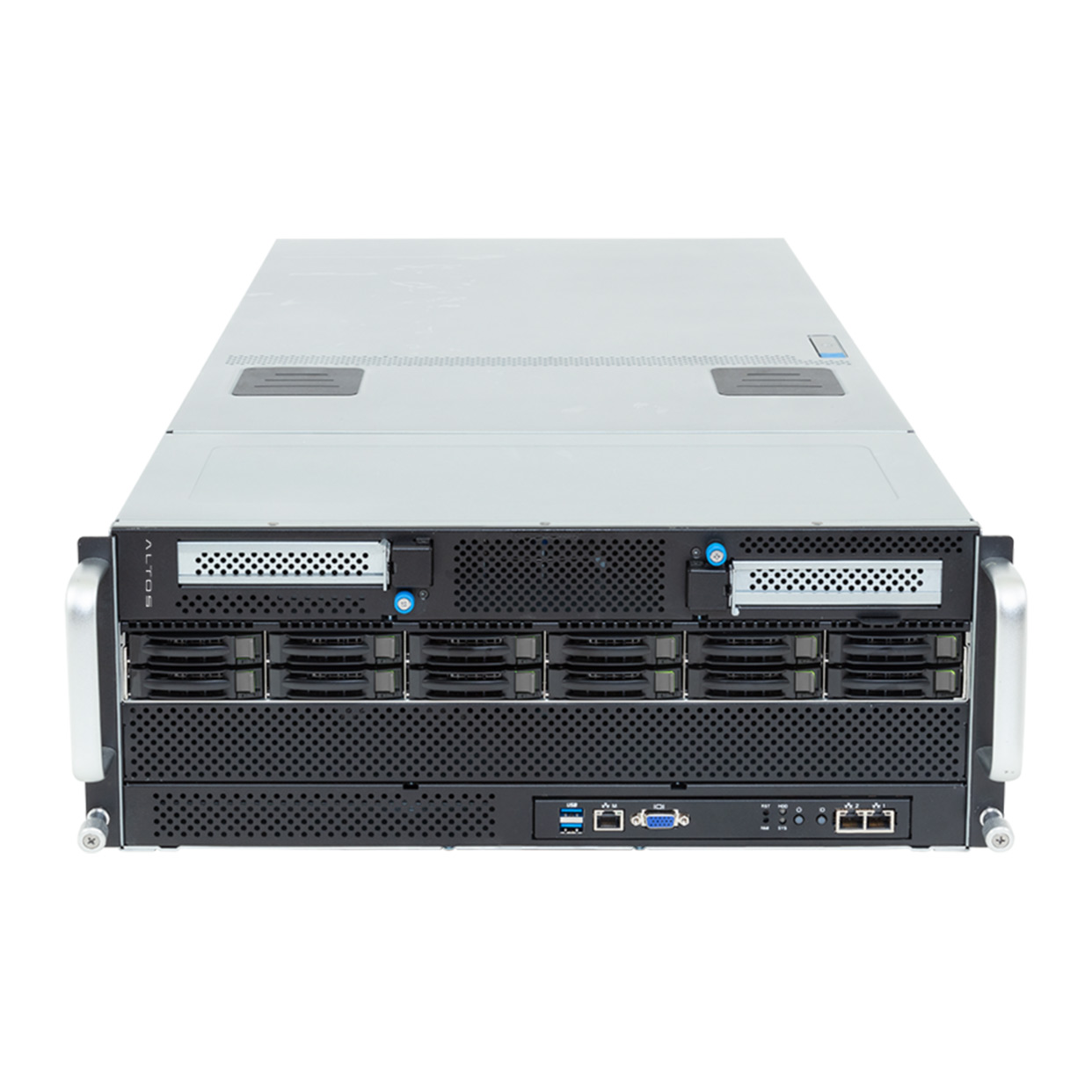
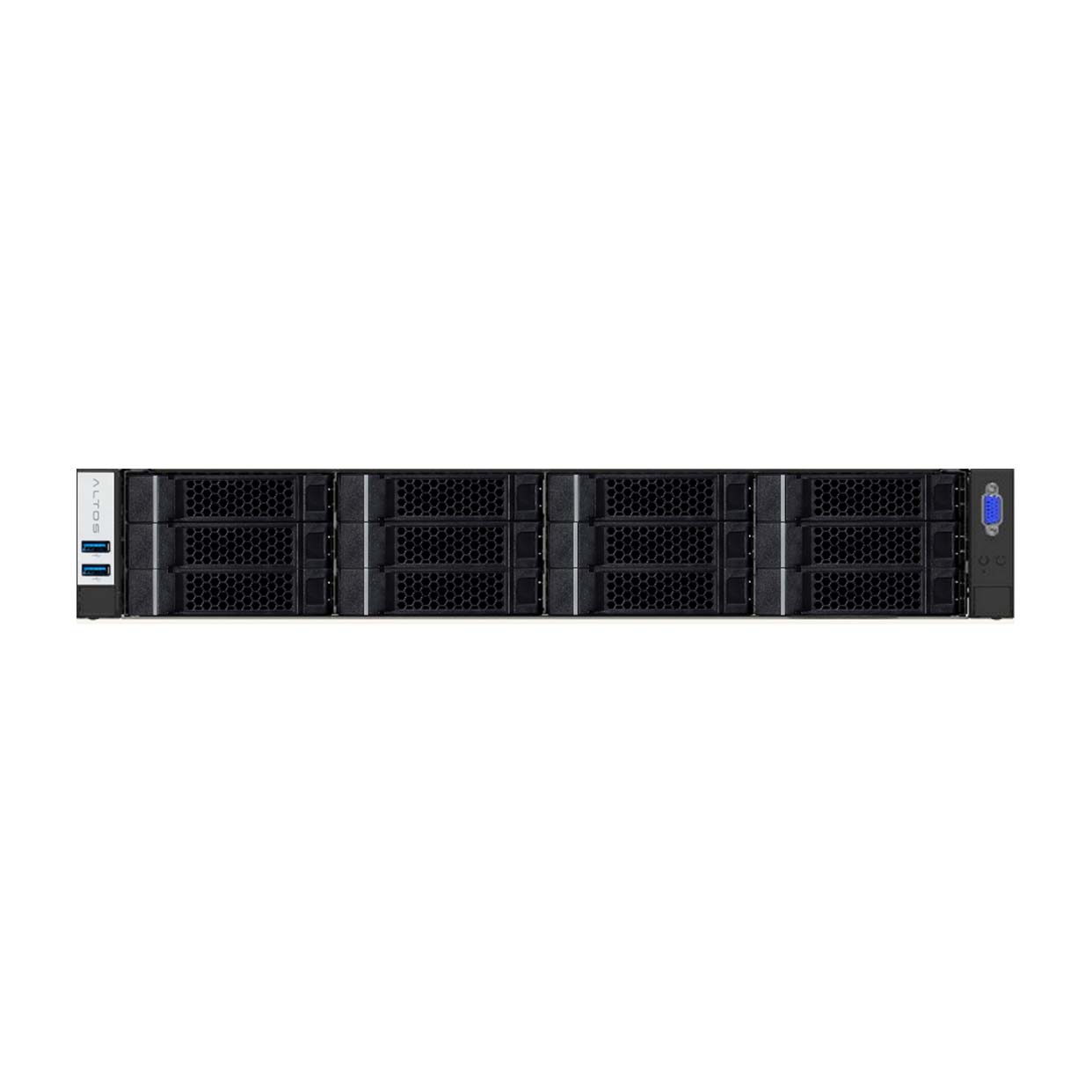
Altos BrainSphere R680 F7 server chassis
Altos R680 F7 · Product photo

Altos BrainSphere R680 F7

Dual GPU 192 GB

2 × NVIDIA RTX PRO 6000 Blackwell
Server Edition · 96 GB / GPU
192 GBTotal GPU memory
1 TBSystem memory

For allocating GPUs across applications

● In stock2 units in stock
View specifications ↗

The dual-GPU model’s 192 GB is the sum of two 96 GB GPUs. Memory available to one model depends on support for partitioning across GPUs.

Procurement, rental and compute service models

Service optionsEquipment ownerLocationDuration
Purchase equipmentYour businessYour server room or hosting arranged by VerixaLong-term use
Equipment rentalEquipment providerLocation chosen by the customerFor your project’s duration
Dedicated computeEquipment providerDedicated hosted environmentFor the service period
Rental & compute services

Hardware selection, deployment and handover

We help IT choose hardware, install the software and test the system. At handover, your team receives the settings and instructions it needs to manage the environment.

  1. 01

    Workload assessment

    Size the hardware for your models, daily volume and concurrent users.

  2. 02

    Hardware and software configuration

    Check compatibility across GPUs, storage, drivers and application software.

  3. 03

    Installation and deployment

    Install the equipment in your server room or have us set it up in a hosted environment.

  4. 04

    Testing and handover

    Test startup and application functions, then hand over settings, operating instructions and maintenance documentation.

Choose products & services

Select equipment, compute and support, then prepare an inquiry for RiverSoft sales.

Products and application requirements

Verixa / Desktop Document Automation

Request a quote

Enter your contact details to simulate sending this request to RiverSoft sales. You can also download a copy. No email will be sent.

Document types and monthly volume are optional. You do not need to upload confidential files.