 ▶1:02 · English
Procurement & salesIDP
Purchase order automation
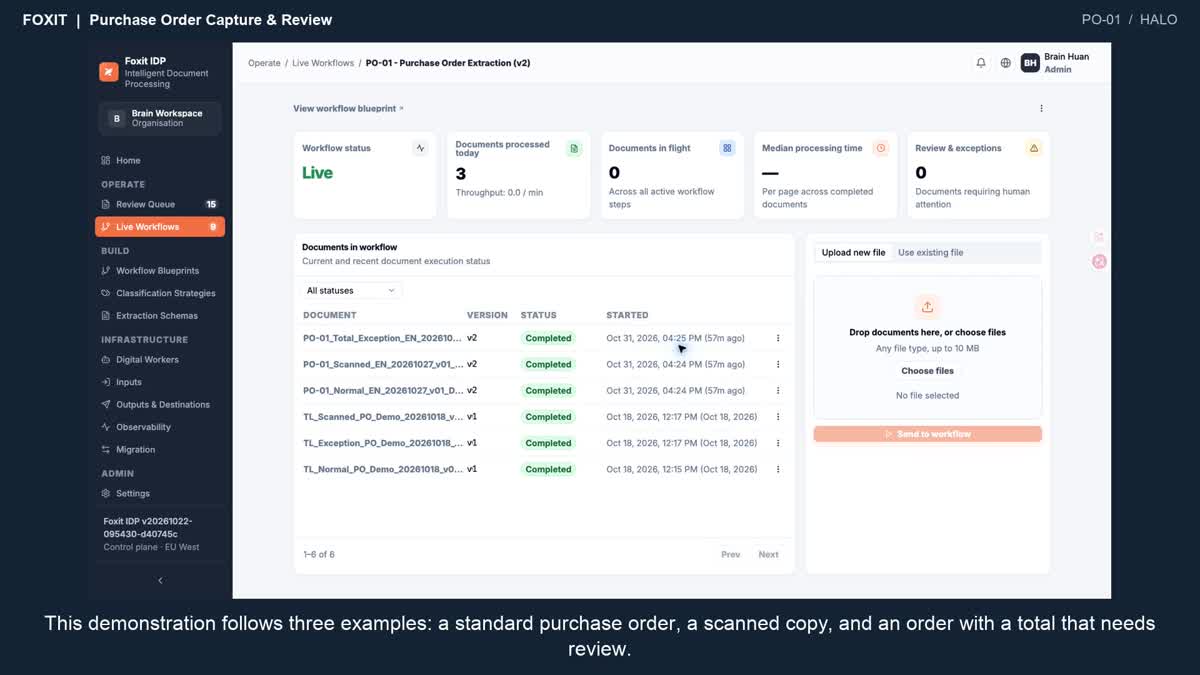
IDP reads items and quantities from customer purchase orders so sales staff can verify the details before preparing the order.
 Contact sales
IDP extracts delivery note numbers, recipient details and quantities. Logistics staff can check the results and export the line items or import them into ERP.
Checking a shipment often means opening each delivery note and looking up quantities line by line.
What was delivered, in what quantity, and against which reference?
DN-3062 · PO-1048 · 120 units
Bring typical business documents and check extracted fields and line items against the originals.
Order matching, delivery-status updates and archiving are separately defined. Extraction alone does not confirm delivery.
The video shows processed samples and query results; it is not an end-to-end transaction integration or a processing-time benchmark.
▶1:02 · EnglishIDP reads items and quantities from customer purchase orders so sales staff can verify the details before preparing the order.
 ▶1:04 · English
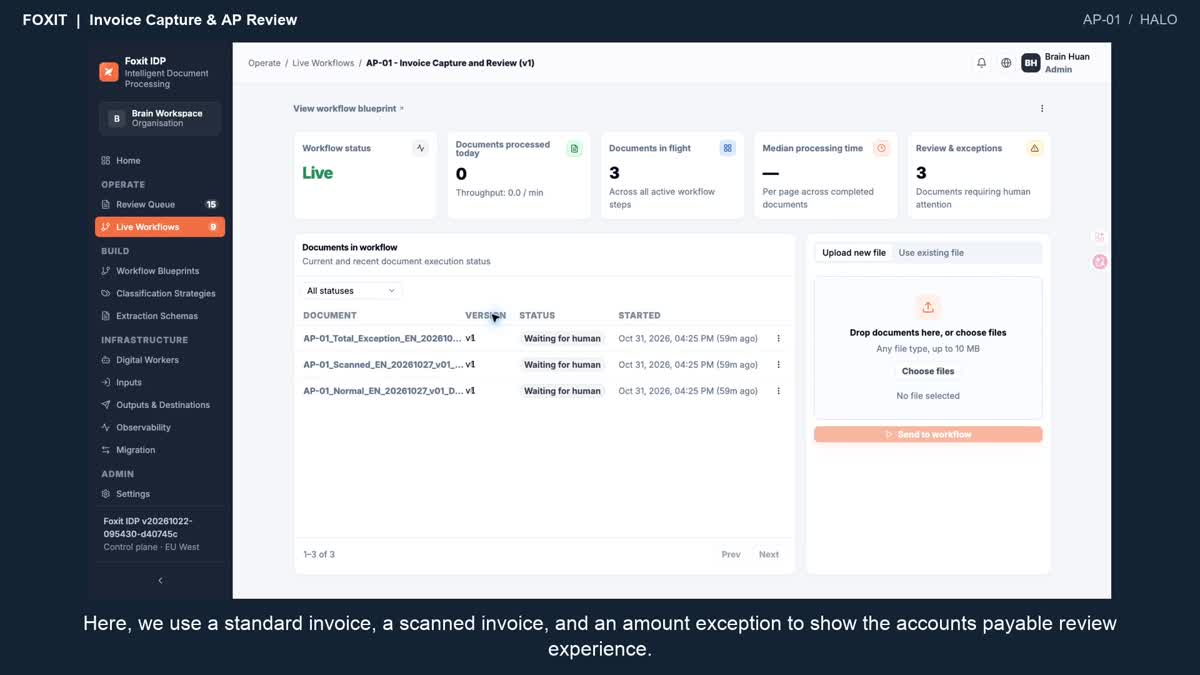
IDP extracts invoice numbers, tax and line items so finance can focus on discrepancies.